What are the Dragon Generations controls?
PC recap: LMB/RMB/Q/E fight, hold Space to fly, Shift sprint-fly, Tab quests, M menu, H items, G hold + T skill cycle. Controller: X/Y, hold A/X to fly, LT sprint, D-pad Left quests, Select menu. Mobile TBA.
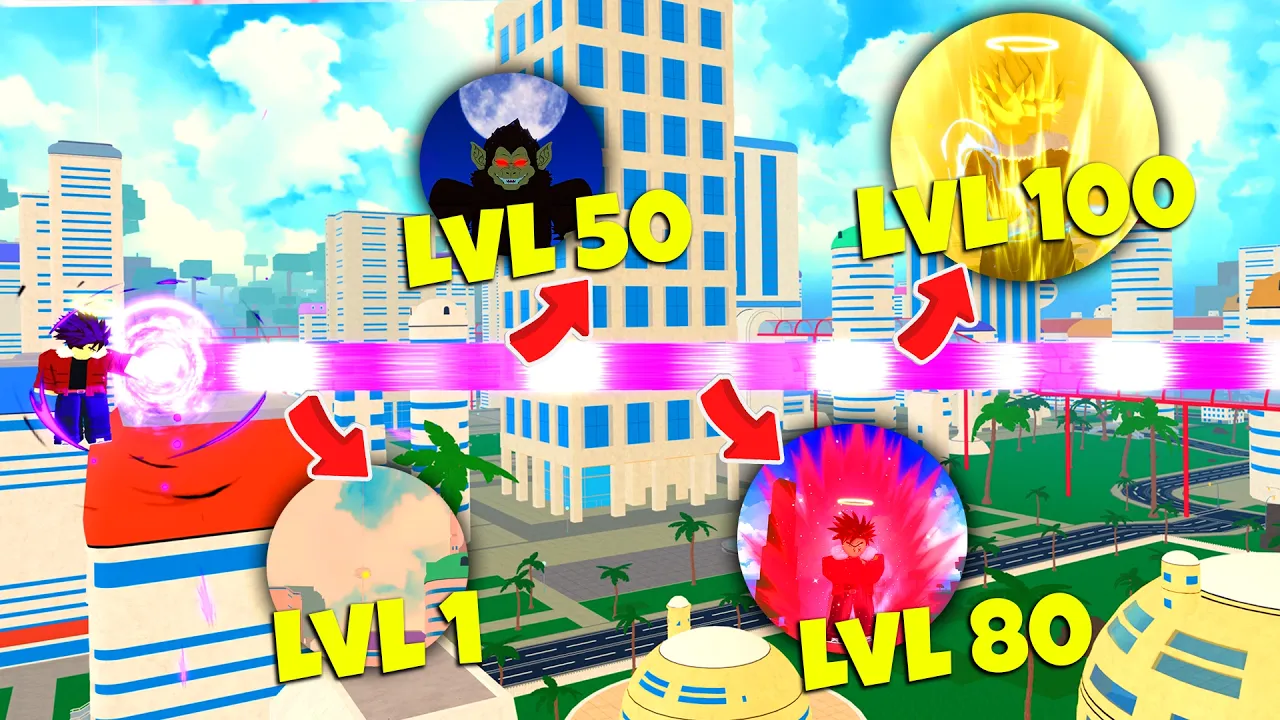
Dragon Generations controls: LMB/RMB and Q/E, fly Space/A/X, sprint Shift, Tab quests, M menu, G+T skill swap, H items. Mobile TBA. Place 4195834406.
Fly, quest HUD, menu. Skill swap recap. Mobile TBA.
~7 min read
Dragon Generations controls on Place 4195834406 (Dragon Generations, Asunder Studios) are the fight, fly, HUD, and skill-swap binds this wiki has recorded. October listings used a Path 2 & Mobile title variant; a full touch layout is still TBA. Play on Roblox. Checked November 12, 2026.
Quest colors, fly, and menu binds below are Unverified community recaps until they match your HUD. Live patches: discord.com/invite/dbog. Codes paste lives on how to redeem — not here.
| Fact | Detail |
|---|---|
| Place | 4195834406 |
| Listing | Dragon Generations |
| Developer | Asunder Studios · group 5237711 |
| Platform | Roblox · Desktop, Console, Mobile, Tablet |
| Genre | Fighting · Action RPG |
| Price | Free to play on Roblox |
| Combat (PC) | LMB · RMB · Q · E — combos recap |
| Combat (controller) | X · Y recap |
| Fly | Hold Space (PC) · A (Xbox) · X (PlayStation) |
| Sprint fly | Hold Shift or left trigger |
| Quests | Tab (PC) · D-pad Left (controller) |
| Menu | M (PC) · Select (controller) |
| Items | H then number keys (2025-11 recap) |
| Skill swap | Hold G, T to cycle four-skill loadout (Paths update recap) |
| Mobile layout | TBA — listing added Mobile; no captured touch map |
| Verified | November 12, 2026 |
Recorded Dragon Generations controls for basics: left mouse and right mouse, plus Q and E on PC. Controller recap uses X and Y. Those four inputs are the combo / string layer. They are not the four-skill loadout (that is G / T after Paths).
| Action | PC | Xbox | PlayStation | Note |
|---|---|---|---|---|
| Basic / string A | LMB | X recap | X recap | Unverified until HUD labels match |
| Basic / string B | RMB | Y recap | Y recap | Same recap pair as LMB/RMB |
| String extra | Q | TBA | TBA | Do not invent a bumper |
| String extra | E | TBA | TBA | Do not invent a bumper |
| Low-HP window | Keep attacking | Keep attacking | Keep attacking | Saiyan: basics scale; Half-Saiyan: skills ×2 — not a bind |
The bar is usually green. Near ~15% it recaps as red. Red is when Saiyan basics and Half-Saiyan skills change — see races. Death can respawn resources or send you to Other World. That is a menu after death, not a fight bind.
A recap may say “M1 / M2” for LMB / RMB. Fine as slang. A sheet from PC Dragon Ball Online or a pet-dragon title is the wrong Place. Next: the bind that actually crosses North Earth.
After create, hold the fly bind — tap does nothing useful in the recap. Early fly speed is slow. Add sprint-fly or you walk the new North Earth recap for an hour.
| Action | PC | Xbox | PlayStation |
|---|---|---|---|
| Start fly | Hold Space | Hold A | Hold X |
| Sprint fly | Hold Shift | Left trigger | Left trigger |
| Land | Release fly (recap) | Release A | Release X |
Unverified fast-travel recap on North Earth: Roshi's Island (bottom-right of that map), West City, Center City, East City, Baba's Place (bottom-left). Use pads between purple fetch quests. First-hour order: beginner guide.
IT is a later skill recap with its own unlock, not a default Dragon Generations control. If a clip shows a teleport, it is not Space. Next: the HUD keys that open quests, stats, and the bag.
Three different Dragon Generations controls, three keys. Mixing them is how you paste a code into chat or spend a Senzu while the quest list is closed.
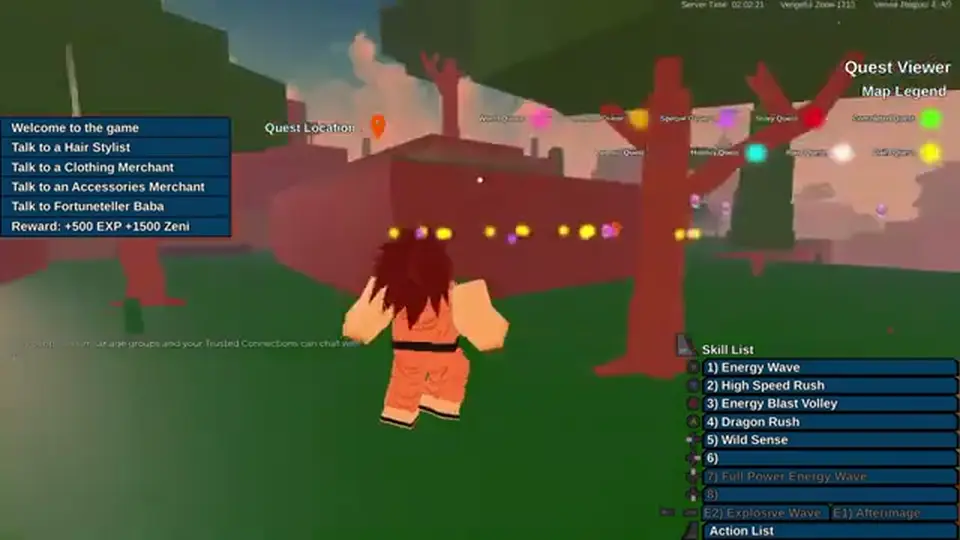
| Open… | PC | Controller | Then |
|---|---|---|---|
| Quest list | Tab | D-pad Left | Red story · yellow daily · purple special (Unverified recap) |
| Menu / Stat Points | M | Select | Health · Agility · Ki Control · Physical Damage · Ki Damage |
| Items | H | TBA | Number keys pick the item (2025-11 recap) |
| Codes | Left menu → four-dots (two up from bottom) | Same menu recap | Paste, click outside — not roblox.com/redeem |
If your list is not red / yellow / purple, follow the live HUD. That is a patch, not a wiki error. Story still starts on North Earth; world unlocks at 100 / 200 / 300 / 500 are a separate recap on the beginner page.
Recorded consumables include Half Senzu, Senzu, Sacred Water, Holy Water, Divine Water, Ultra Divine Water, Sports Drink, Special Sports Drink, Dragon Radar, Evil Eye. H starts the use flow in the 2025-11 items recap. Baba prices TBA. Stats math: stats. Next: the Paths-era skill bar.
Matched by build plan, shared topics, and guide progression — not random related links.
Paths update recap (marked 2025-11-15 in game-des): you can equip four skills. Hold G, then T swaps or cycles the loadout. That is the skill-swap half of Dragon Generations controls. It is not Q / E (string extras) and it is not transforming (Path form).
| Control | Recap | Use it for | Do not use it for |
|---|---|---|---|
| Hold G | Paths update | Open / hold the four-skill tray | Flight |
| T | Paths update | Swap or cycle the equipped skill | Quest list |
| Q / E | Combat recap | String extras with LMB / RMB | Loadout swap |
| Number keys after H | Items recap | Bag items | Skills |
A Paths note also mentioned many new skills in that patch. Your bar still holds four at a time in the recap. Confirm the live tray count on Place 4195834406.
Path start ~850, NPC lock, Reincarnate Wish lock, and a recap 5× Path-form multiplier live on paths. G / T only cycles what you already equipped. Gravity training before that NPC: gravity chamber. Next: why this page will not fake a phone overlay.
The Roblox listing added Mobile. This wiki has no captured touch layout — no analog positions, no confirmed fly button, no four-skill tray on a phone screenshot. Empty beats a guessed overlay.
| Wanted on mobile | Status on this wiki | What to do instead |
|---|---|---|
| Fly | TBA | If a hold-jump control exists, test it; do not assume Space |
| Sprint fly | TBA | Do not assume a left-trigger overlay |
| Quest list | TBA | Look for a mission icon; colors may still apply |
| Menu / stats | TBA | Look for a hamburger / Select equivalent |
| G + T skill swap | TBA | Look for a skill tray; do not invent two mystery buttons |
| H items | TBA | Bag icon if present |
| Codes | Same four-dots recap if the menu exists | Four-dots Codes row — how to redeem |
On any device, codes still paste in the experience Codes menu, case-sensitive, click/tap outside to submit. Steps: how to redeem Dragon Generations codes. Not roblox.com/redeem.
Xbox / PlayStation binds in the tables above are controller recaps. A phone is a third HUD. When a player capture exists, this page will fill the TBA cells — not before. First session once you can fly: beginner guide.
PC recap: LMB/RMB/Q/E fight, hold Space to fly, Shift sprint-fly, Tab quests, M menu, H items, G hold + T skill cycle. Controller: X/Y, hold A/X to fly, LT sprint, D-pad Left quests, Select menu. Mobile TBA.
Hold Space on PC, A on Xbox, X on PlayStation. Sprint fly: Shift or left trigger. Unverified recap. Mobile fly button TBA.
Paths update recap: hold G, press T to cycle a four-skill loadout. Confirm the live HUD. Q and E are combat extras, not the tray.
Tab on PC, D-pad Left on controller. Recap colors: red story, yellow daily, purple special.
M on PC, Select on console. Stat Points are in that menu.
H, then a number key (2025-11 recap). Senzu and waters are recorded names; shop prices TBA.
The listing added Mobile. This wiki has not captured a touch layout. Cells stay TBA.
Four-dots menu two slots up from the bottom, Codes row — not a keybind on this page. See how to redeem.
November 12, 2026
Matched by build plan, shared topics, and guide progression — not random related links.